Creating Three Valentine Shaker Cards
Hi Everyone!
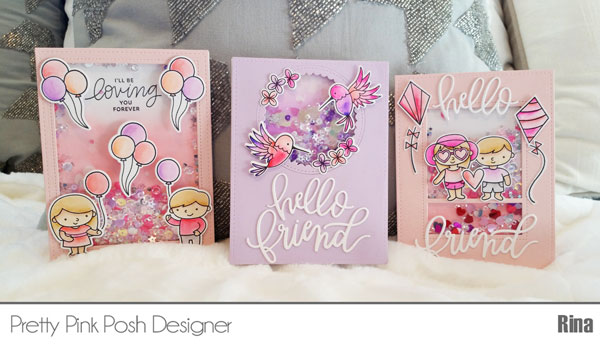
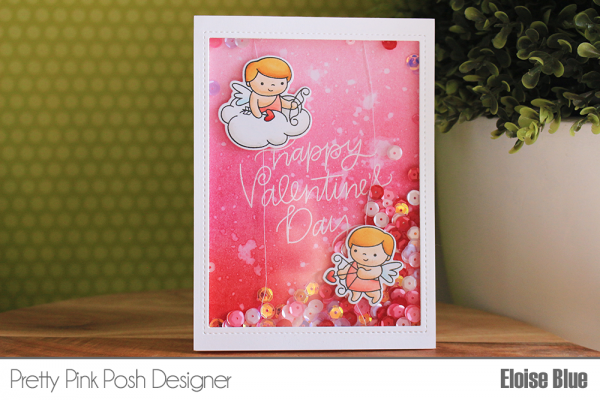
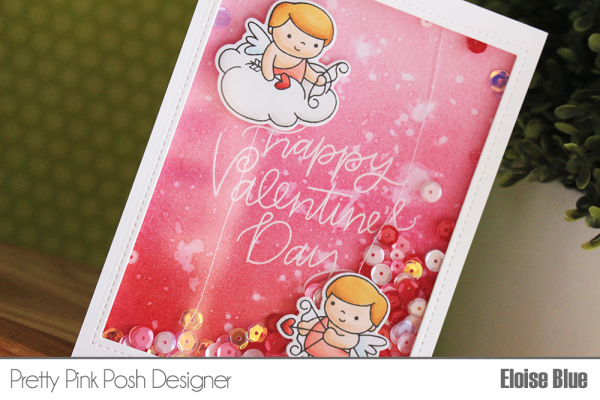
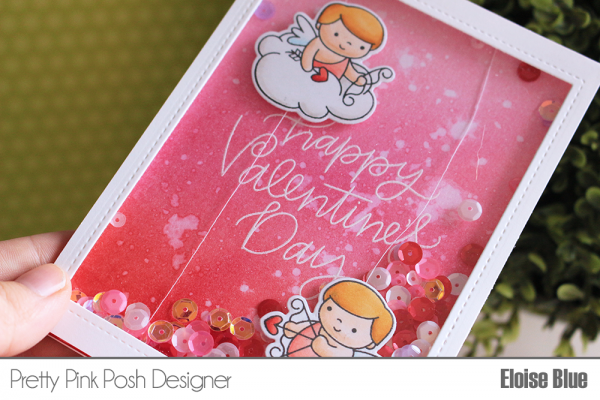
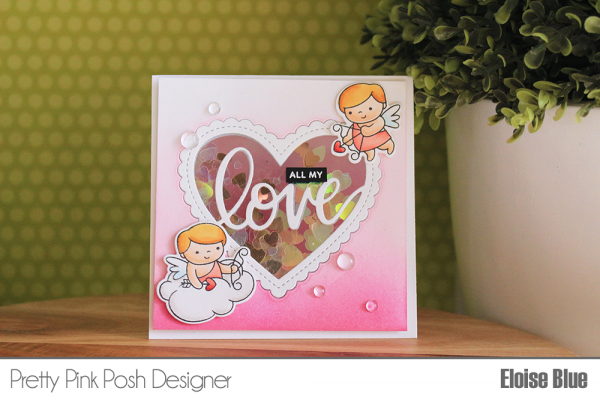
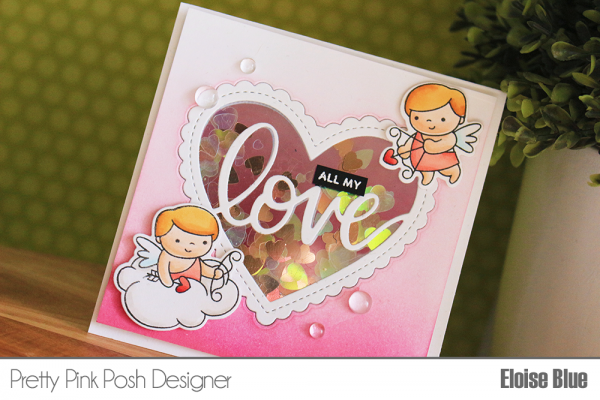
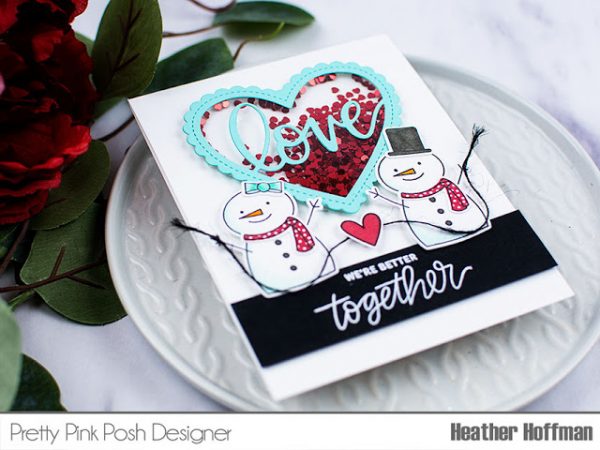
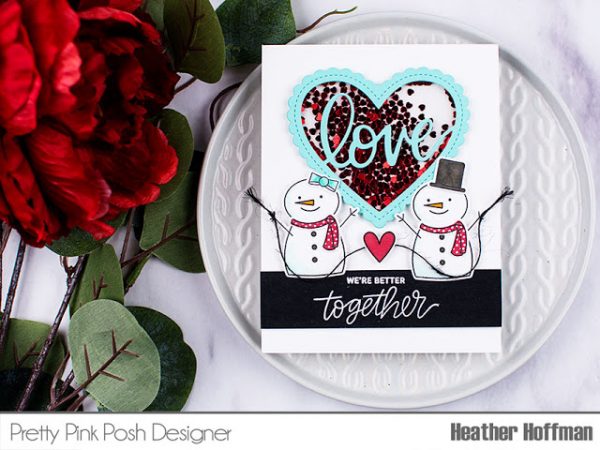
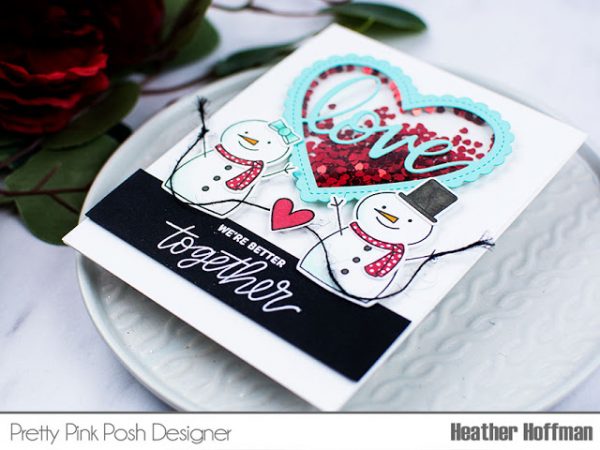
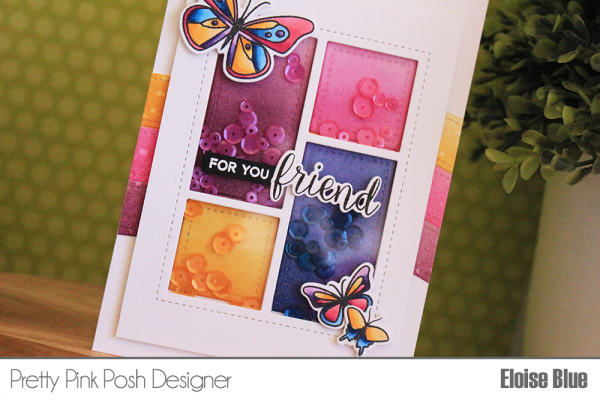
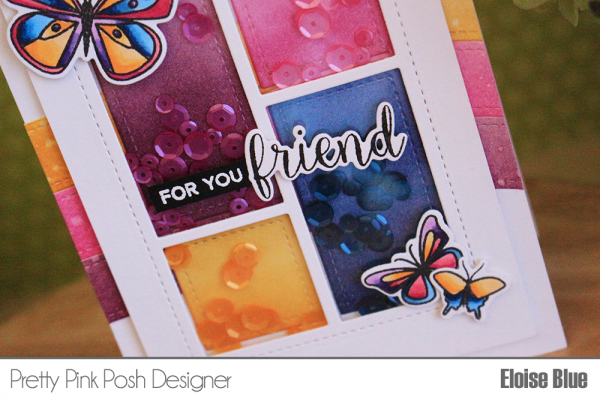
I enjoy creating for holidays and crafting for Valentines Day is super fun. I love all the fun colors and bling. I thought I would kick start Valentines Day crafting with some fun shaker cards. I have been obsessed with shaker cards lately and definitely put my Pretty Pink Posh sequins to work for this project.
One of the things that I try to do is to mix my old and new stamp sets together. I do like to stretch my stamp investment by finding new ways of pairing my stamp sets. This forces me to have a new take on my stamp sets, be more creative and make something unique to me.

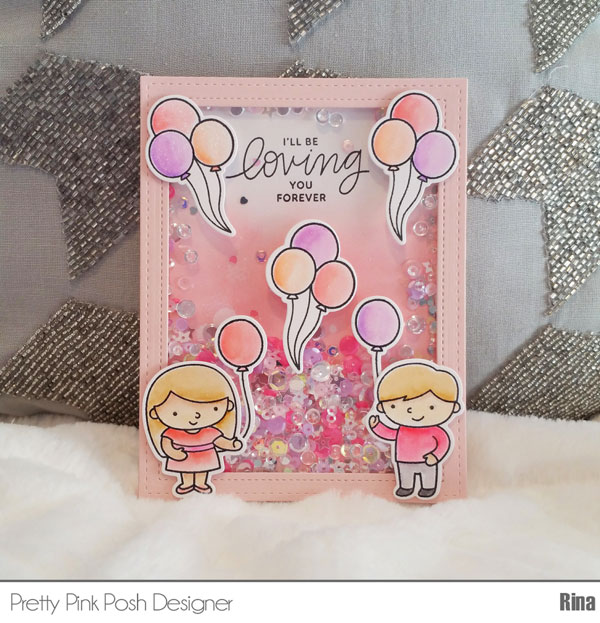
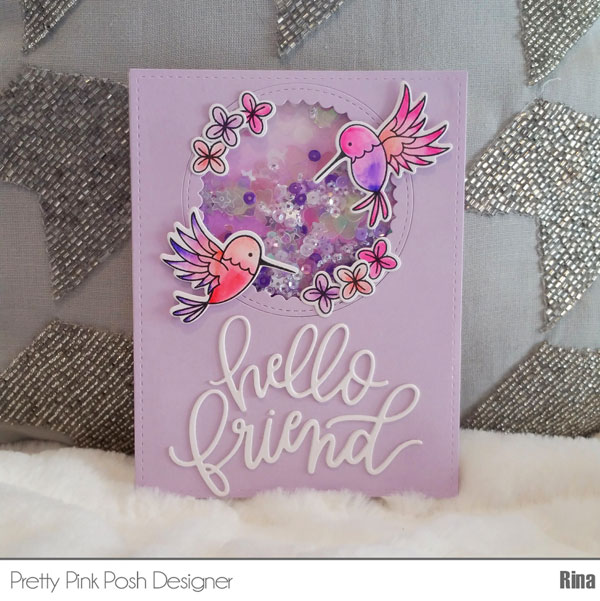
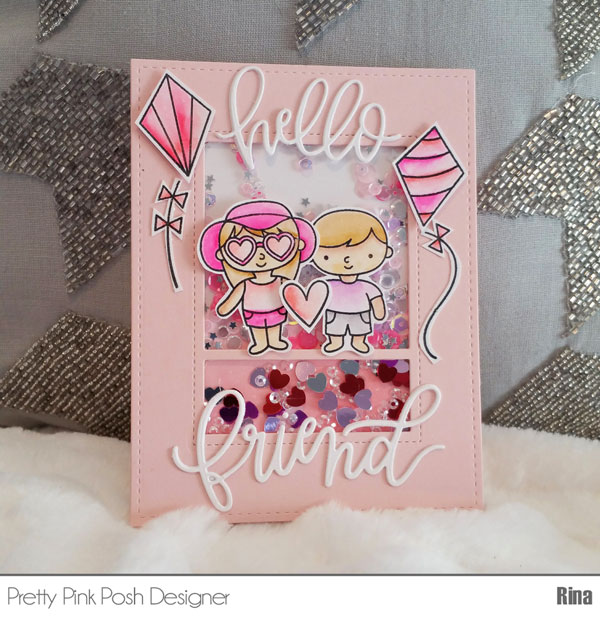
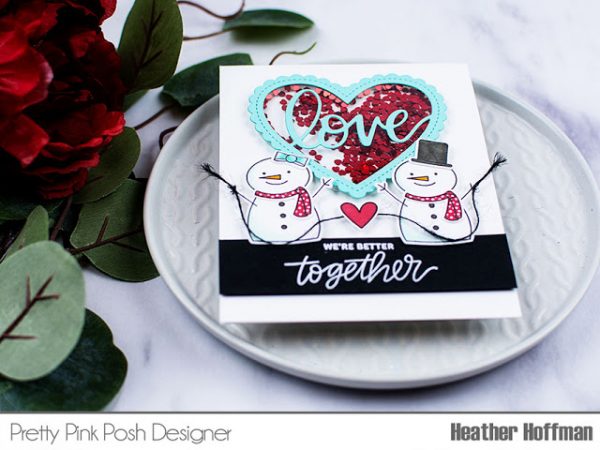
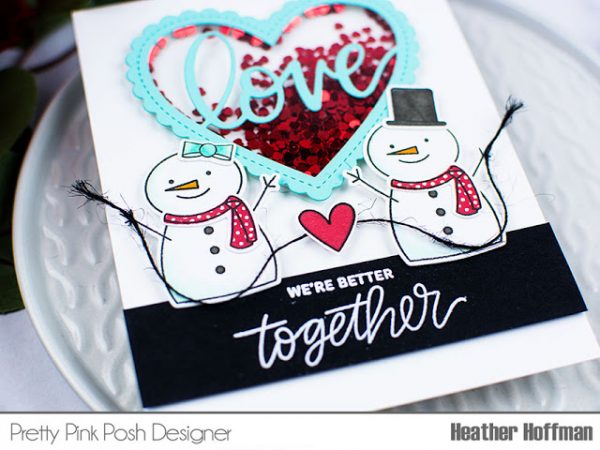
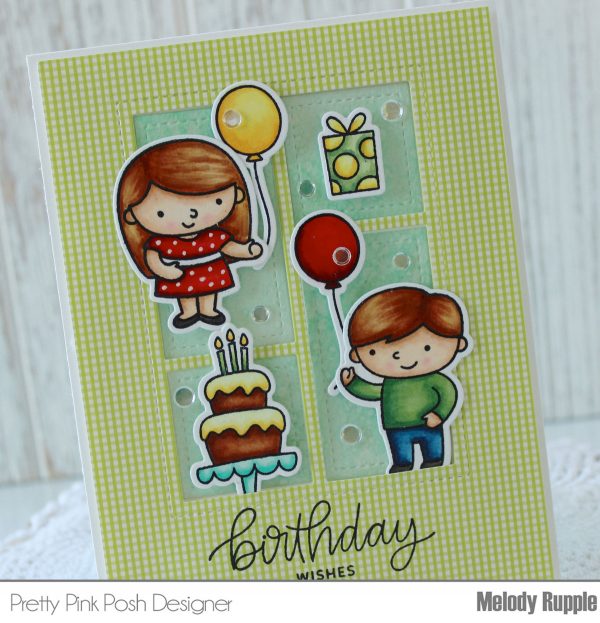
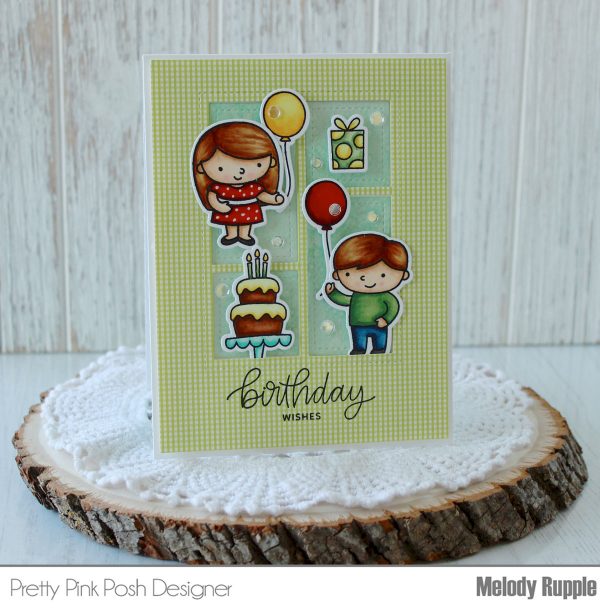
I played with my stamp sets and came up with a couple of designs incorporating two stamps sets together or repurposing a themed stamp set and thinking of other ways to use it. I paired Hummingbird Thanks and Bold Blooms together and made a lilac card. I used my Summer Friends images along with Fly a Kite; I thought the heart sunglasses on the girl image were perfect! Finally I used Birthday Friends images as Valentines Day images. The Birthday Friends set is one of my favorites and my favorite part is the balloons. I plan on using these balloons with animal images on a future card, so it appears the animals are being carried up. I love that the Pretty Pink Posh sets coordinate so well with each other.
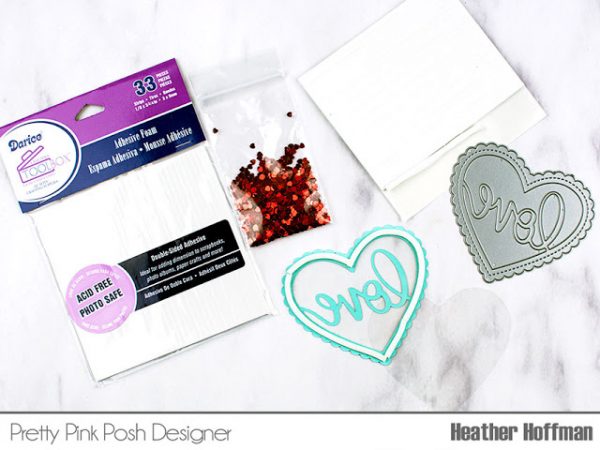
Here are the basics of making a shaker card:
- Cut out a window on a card front
- Place acetate behind window using glue – I used Glossy Accents
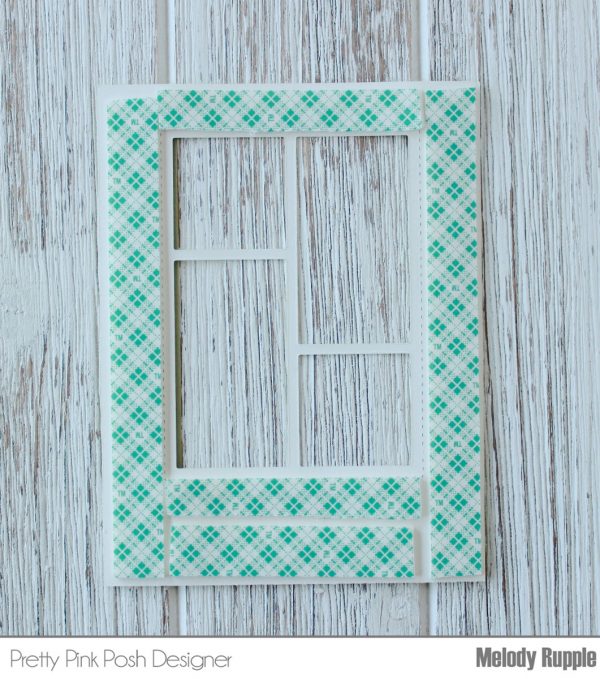
- Line the back of the window with two layers of foam tape (One layer of foam tape if you would like to use less sequins or reduce bulk)
- Make sure there are no empty spaces when adhering the foam tape, you do not want any of the sequin yumminess to escape!
- Powder tool around the inside tape of the frame to prevent sequins sticking to the side of foam tape (I do not powder as I do not mind the sticking)
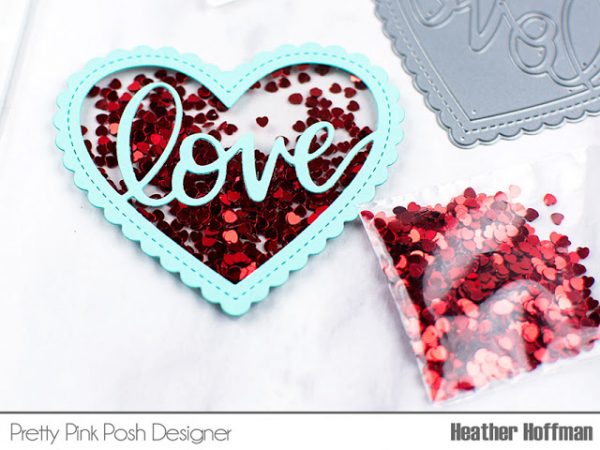
You can use the Pretty Pink Posh sequins mixes as is because the mixes are super colorful and sparkly or you can add more sequins to match the color and mood of your project. For this project I wanted over the top “bling” for my Valentines Day themed shakers so I achieved this with adding my all time favorites.
Here is a list of the sequins I used and some of my favorites to mix up. In general, I will add gold colored sequins to warm toned cards and silver colored sequins to cool toned cards.
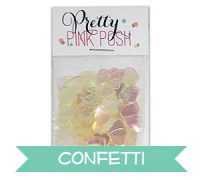
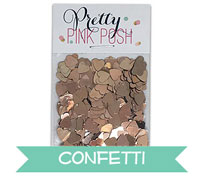
For this project I used these sequins as my base color:
Then I added some of my favorites, this is optional. I decided to mix in some of these in because I wanted to match the lightness of my images. Here is what I normally use to mix, of course I do not use all of these the same time, I just pick and chose which ones will be best to achieve the look I would like.
- Sparkling Clear Sequins Mix
- 3mm Sparkling Clear Sequins
- Sparkling Clear Stars Sequins
- Gold Mini Star Confetti
- Gold Mini Heart Confetti
- Iridescent Mini Heart Confetti
- Iridescent Mini Star Confetti
- Silver Mini Heart Confetti
- Silver Mini Star Confetti
- Iridescent Heart Confetti Mix
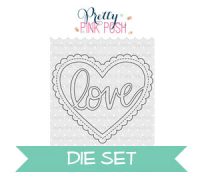
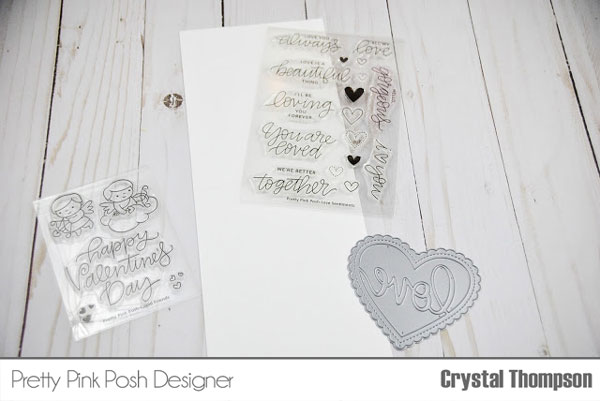
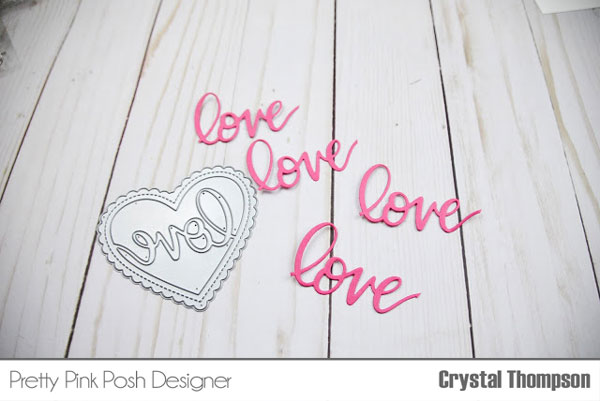
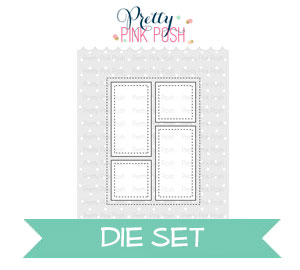
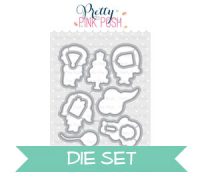
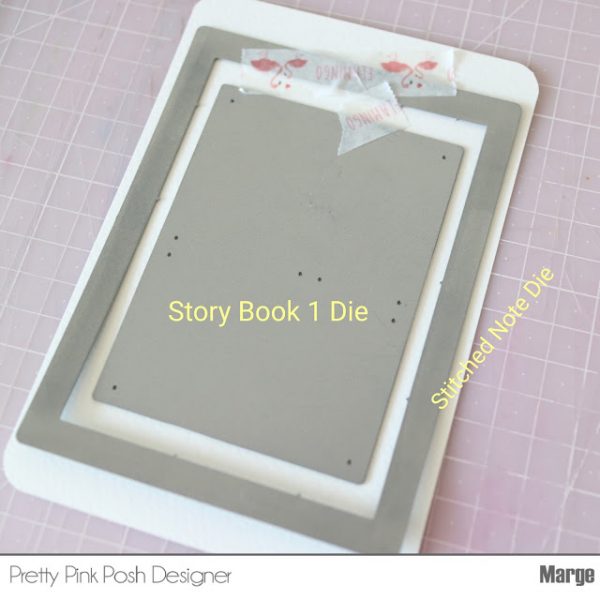
Here are the dies used in this post:
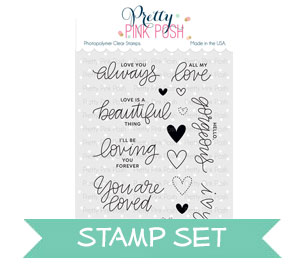
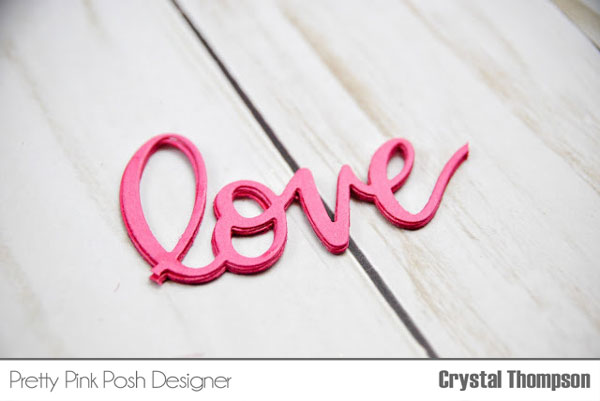
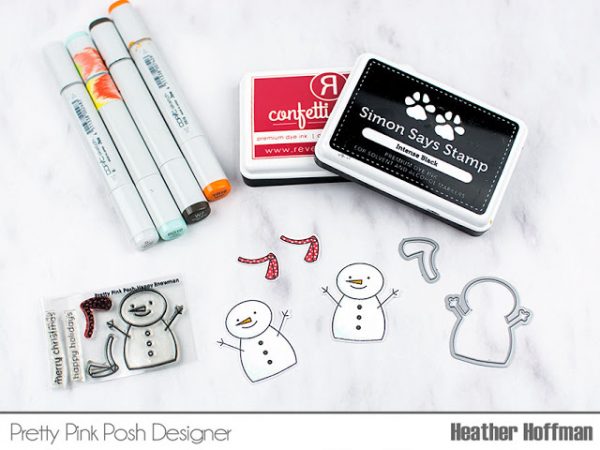
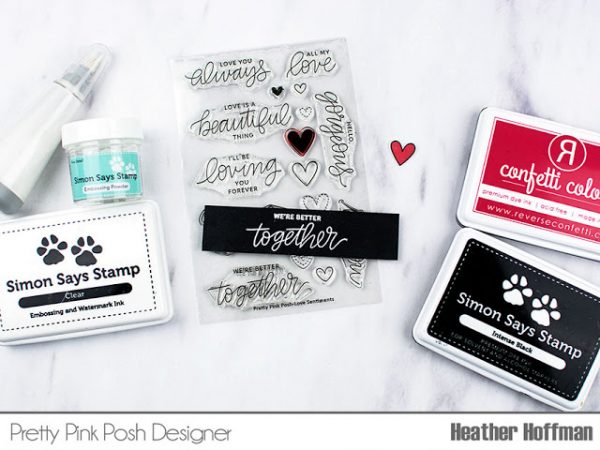
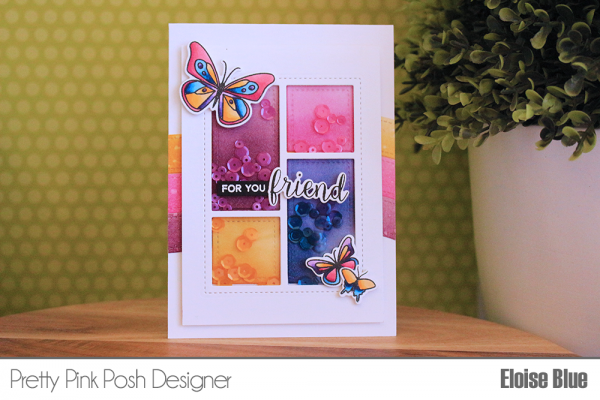
For finishing touches I added the Wink of Stella in clear on the stamped images. I finished the insides of the cards with sentiments from the Love Sentiments stamp set. I had extra colored images, which I added to the inside of the card, these included hearts and flowers. I also made sure to layer my die cut sentiment “Hello Friend” to ensure the die cut popped and had a lot of dimension.
I hope you enjoyed these cards and give it a try! Thanks for stopping by!
~Rina

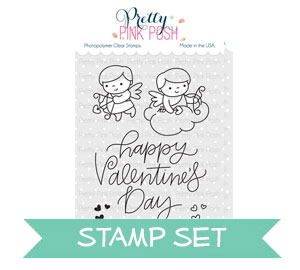


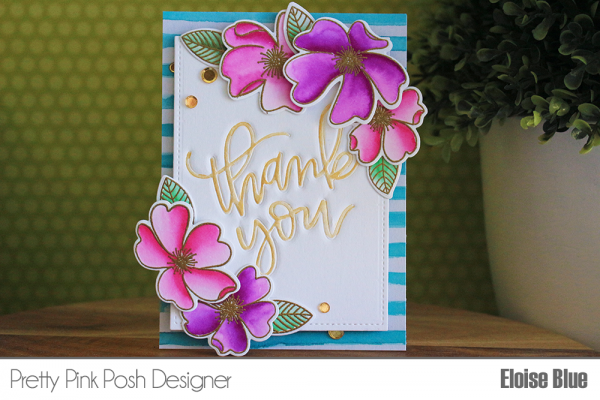
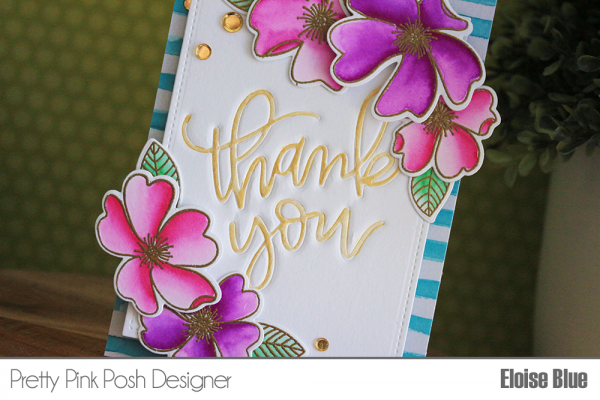
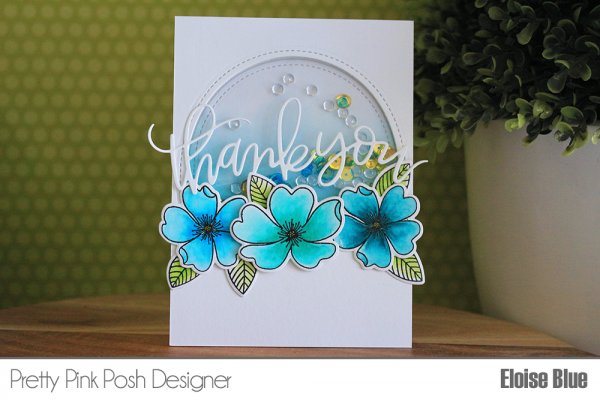
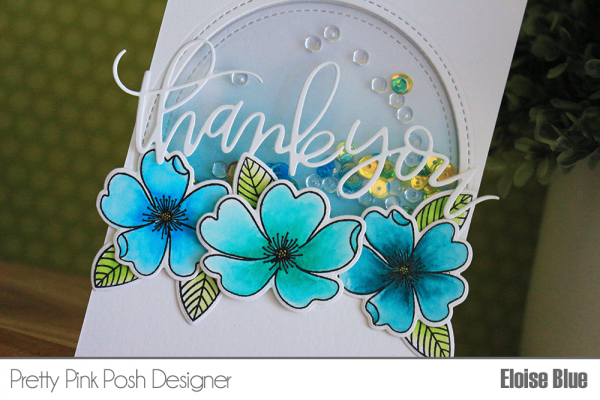
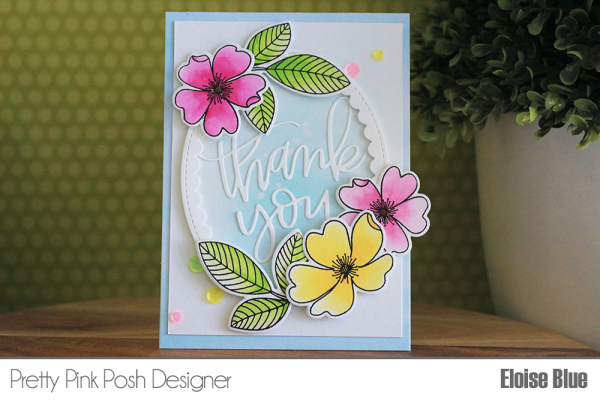
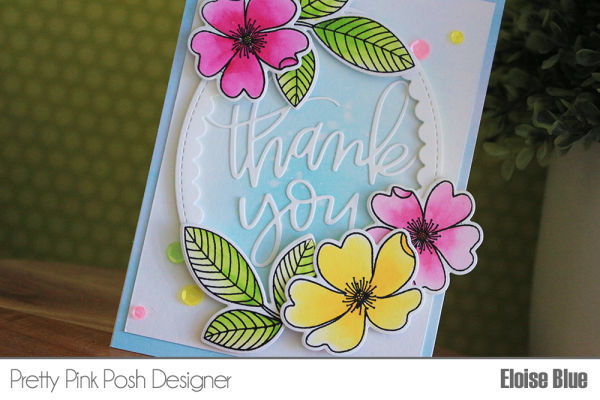
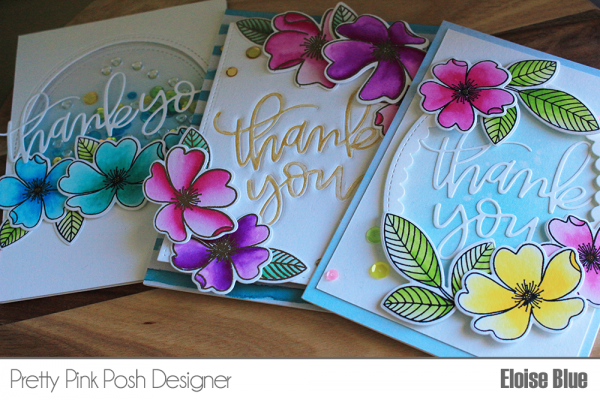


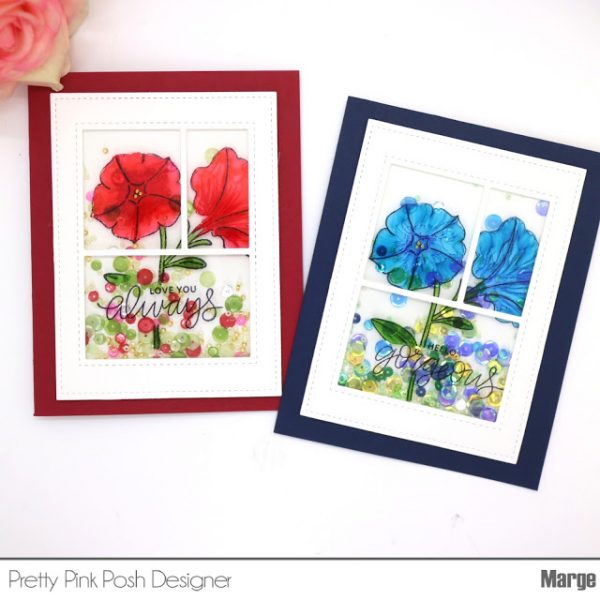
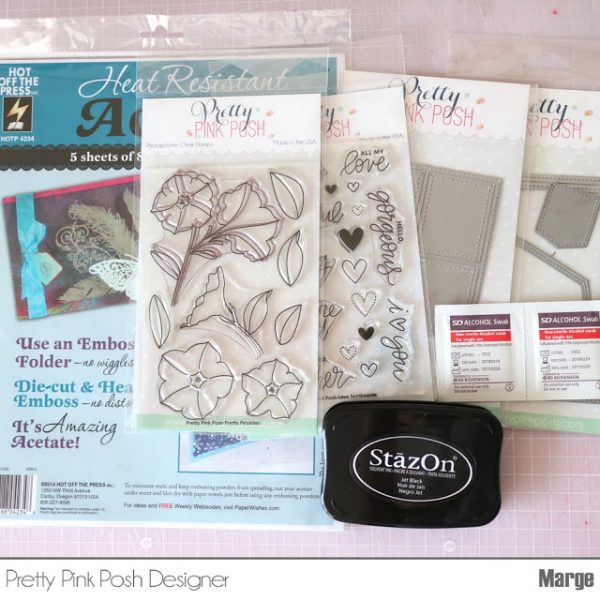
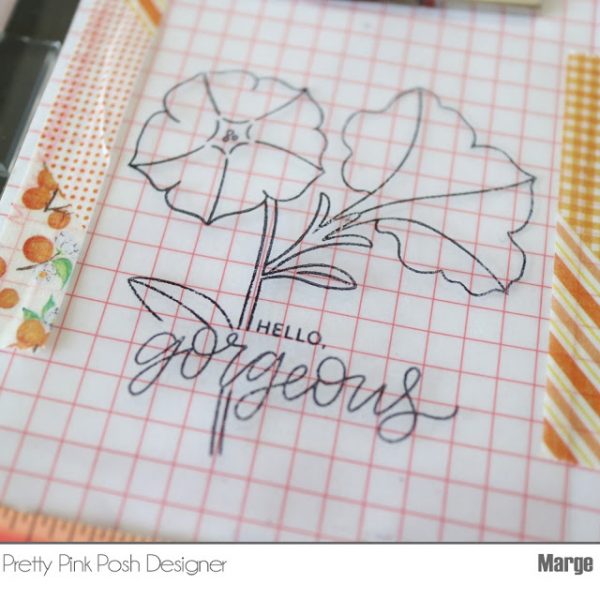
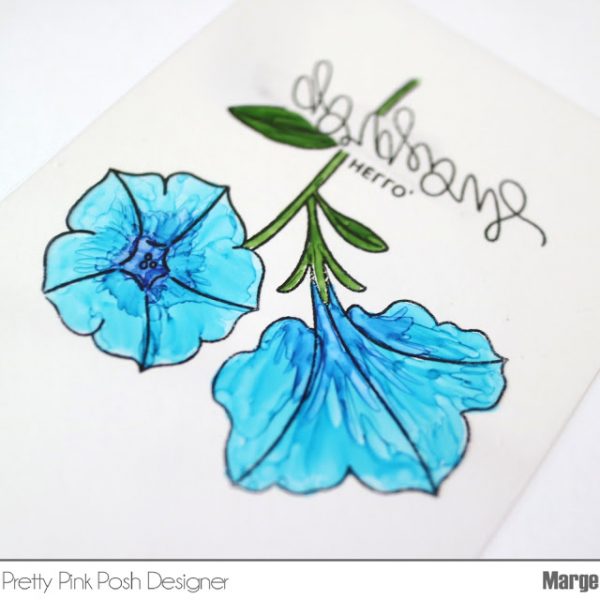
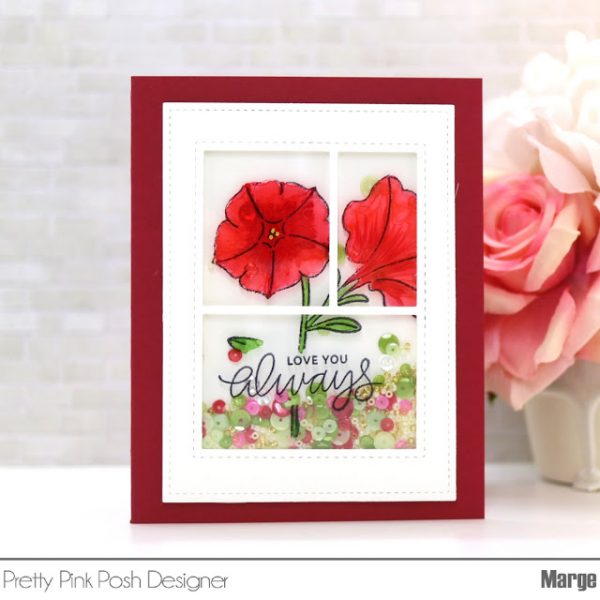
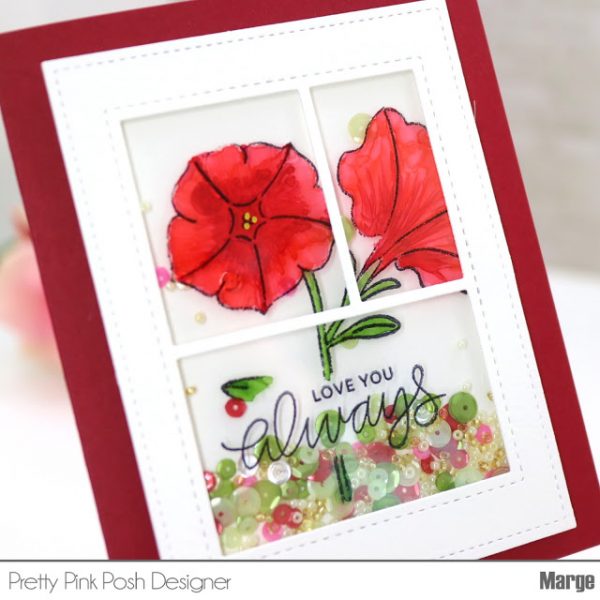
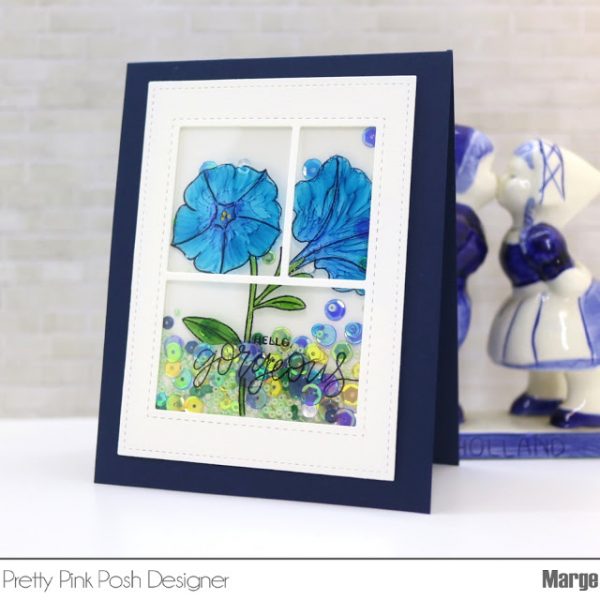
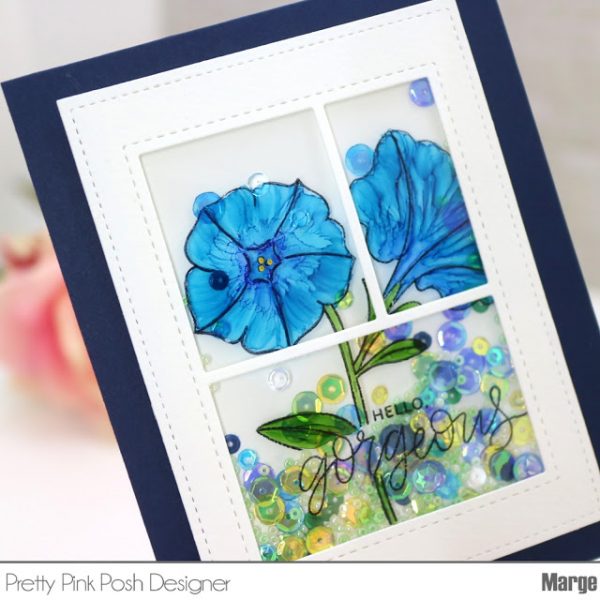
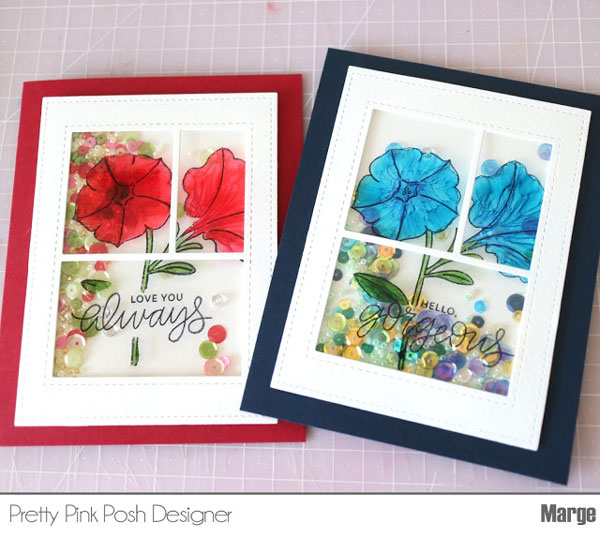
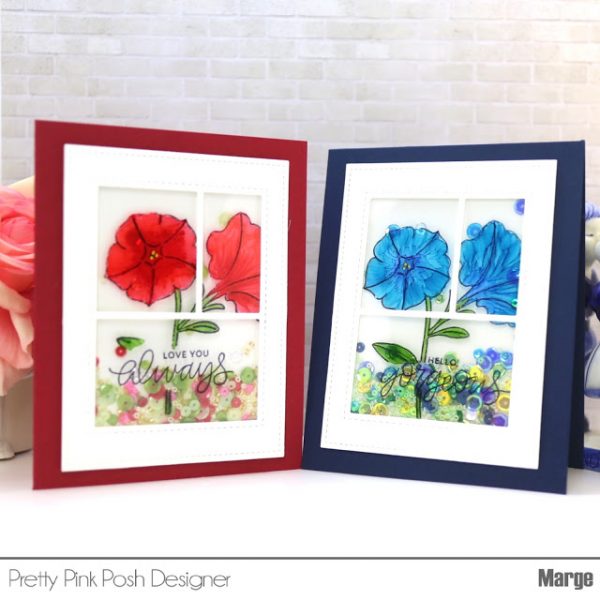
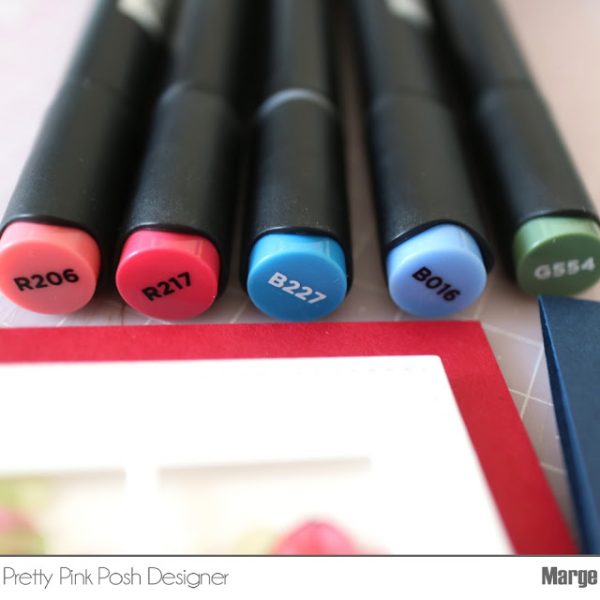

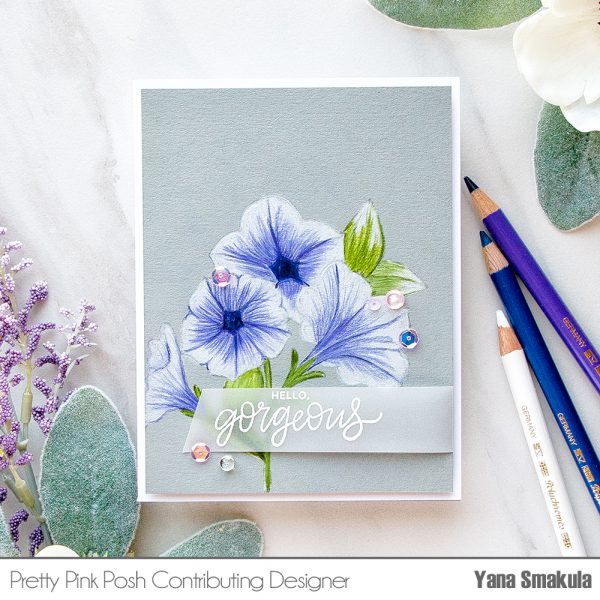
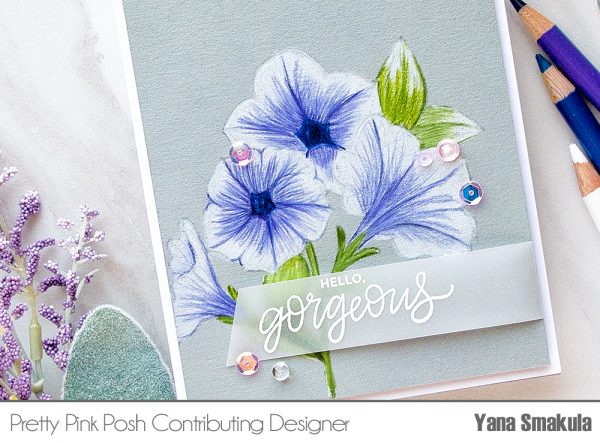 As I was stamping I made notes in my head which flowers and leaves were going to be in the front and which would be in the back. If you struggle with this – you can either mask your images so that you don’t have confusing stamped lines on your panel or test stamp your cluster onto a piece of scrap paper and label everything – then when you go to color your image you can use that as a cheat sheet.